
HTML List Tutorial – Bullet & Number Lists (Lesson 05)
January 10, 2026 2026-06-17 12:07HTML List Tutorial – Bullet & Number Lists (Lesson 05)
HTML List Tutorial for beginners. Learn unordered and ordered lists in HTML using ul, ol, and li tags with simple examples…
👉 List बनाना (Bullet & Number List)
यह HTML List Tutorial आपको step-by-step सिखाता है कि HTML में bullet list और number list कैसे बनाई जाती है।
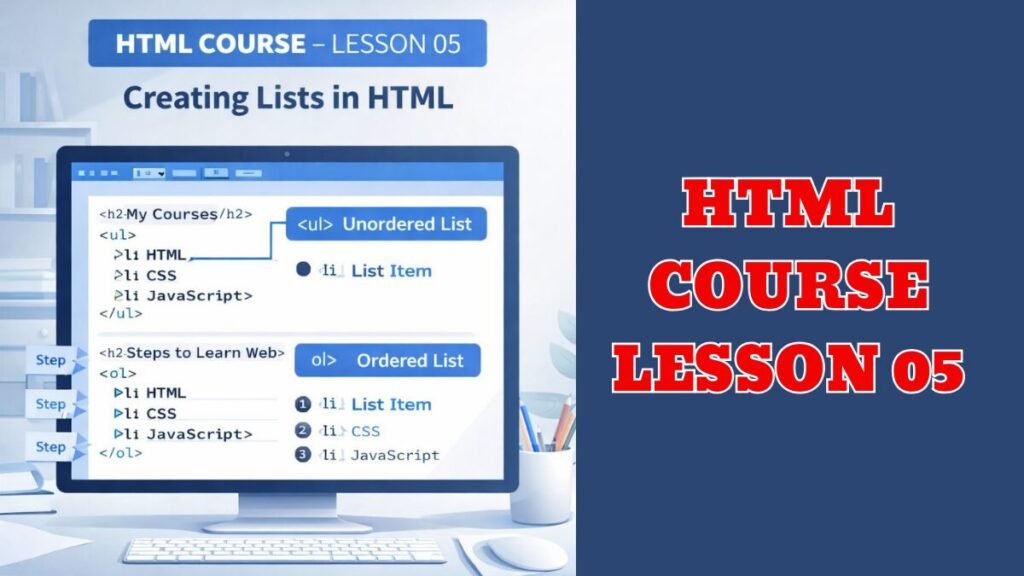
🧾 List क्या होती है?
List का मतलब होता है एक के नीचे एक चीजें लिखना
जैसे – Course List, Name List, Menu List
🔹 List के Types
- Unordered List → Bullet (•) वाली
- Ordered List → Number (1, 2, 3) वाली
STEP 1: index.html खोलिए
Right Click → Open with → Notepad
✍️ STEP 2: ये Code लिखिए
(Body के अंदर)
🔸 1) Bullet List (Unordered List)
<h2>My Courses</h2>
<ul>
<li>HTML</li>
<li>CSS</li>
<li>JavaScript</li>
</ul>
🔸 2) Number List (Ordered List)
<h2>Steps to Learn Web</h2>
<ol>
<li>HTML</li>
<li>CSS</li>
<li>JavaScript</li>
</ol>
💾 STEP 3: Save & Open
- Ctrl + S
- index.html पर Double Click
🧠 समझिए
- <ul> = Bullet List
- <ol> = Number List
- <li> = List Item (एक point)
✍️ छोटा Practice
अपने शहर के नाम लिखिए:
<ul>
<li>Delhi</li>
<li>Mumbai</li>
<li>Lucknow</li>
</ul>
Read More: HTML Anchor Tag Tutorial: How to Create Links in HTML (Lesson 04)