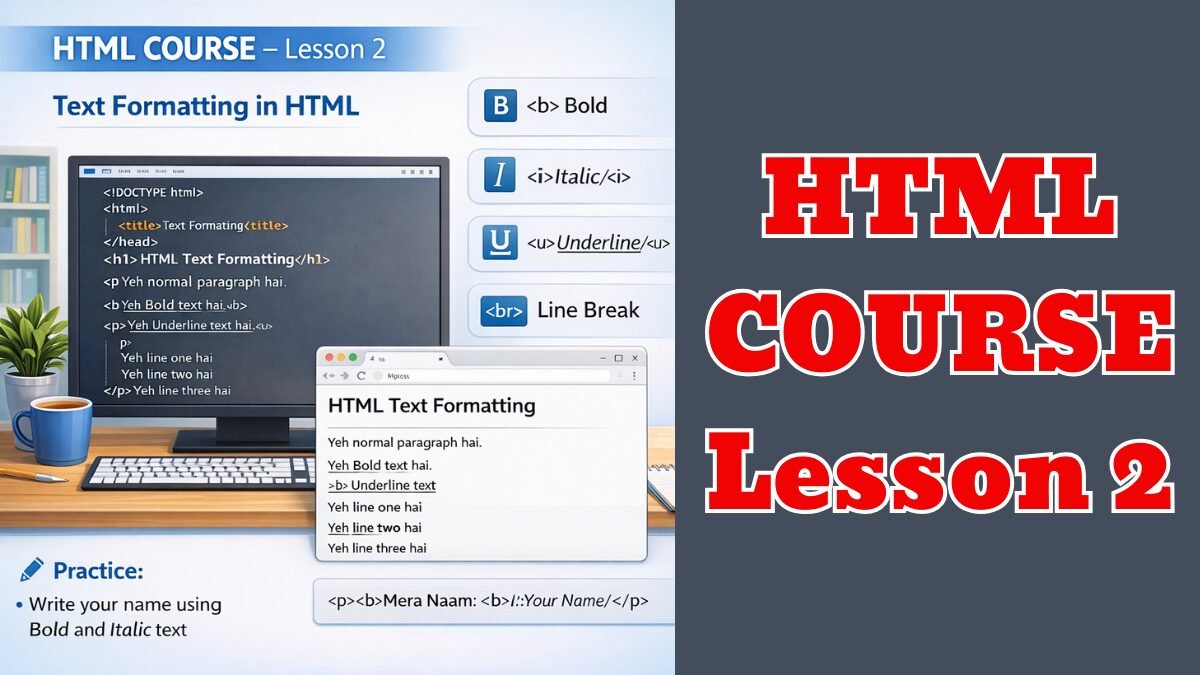
HTML Course Lesson 2 for beginners explains text formatting in HTML. Learn how to use bold, italic, underline and line break tags with simple examples and practice.
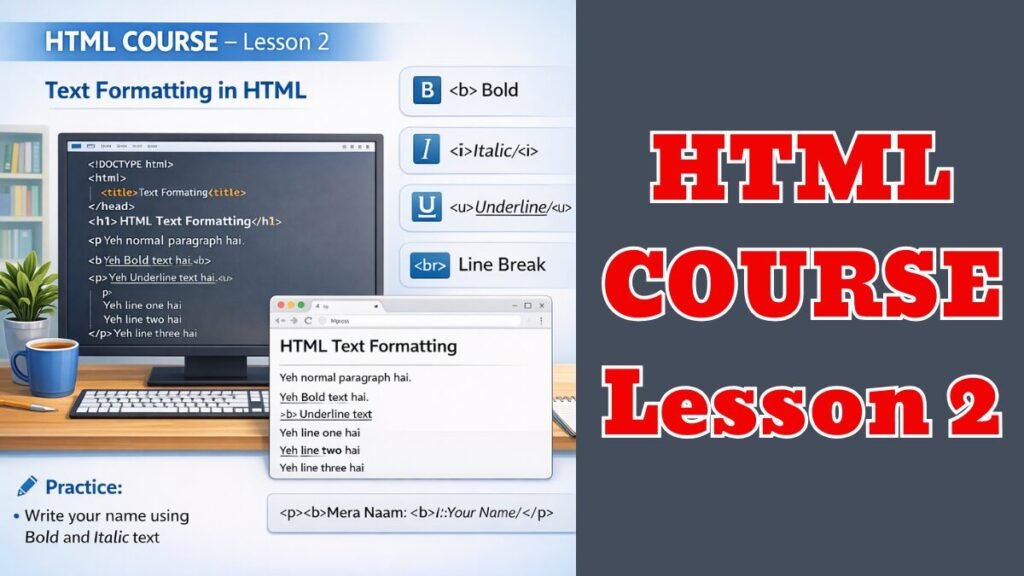
Text Formatting (Text को सुंदर बनाना)
🧾 नीचे दिया गया Code अपनी index.html में लिखिए
<!DOCTYPE html>
<html>
<head>
<title>Text Formatting</title>
</head>
<body>
<h1>HTML Text Formatting</h1>
<p>Yeh normal paragraph hai.</p>
<p><b>Yeh Bold text hai.</b></p>
<p><i>Yeh Italic text hai.</i></p>
<p><u>Yeh Underline text hai.</u></p>
<p>
Yeh line one hai <br>
Yeh line two hai <br>
Yeh line three hai
</p>
</body>
</html>
🧠 समझिए (Important)
- <b> → Bold
- <i> → Italic
- <u> → Underline
- <br> → Line break (नई लाइन)
🖥️ File Save करें और Double Click करें
अब Browser में बदलाव दिखेंगे 👍
✍️ छोटा सा Practice
अपने नाम के साथ लिखिए:
<p><b>Mera Naam: </b><i>आपका नाम</i></p>